AI Tile Scanner
Point your camera at your winning hand and TileBuddy reads the tiles for you, then suggests the faan. You always review before anything counts.
How to scan
- Line your tiles up in the viewfinder. A wide mode helps fit a full hand.
- Take the photo.
- TileBuddy reads the tiles and suggests the hand and its faan.
- Review the tiles and fix anything before you score.
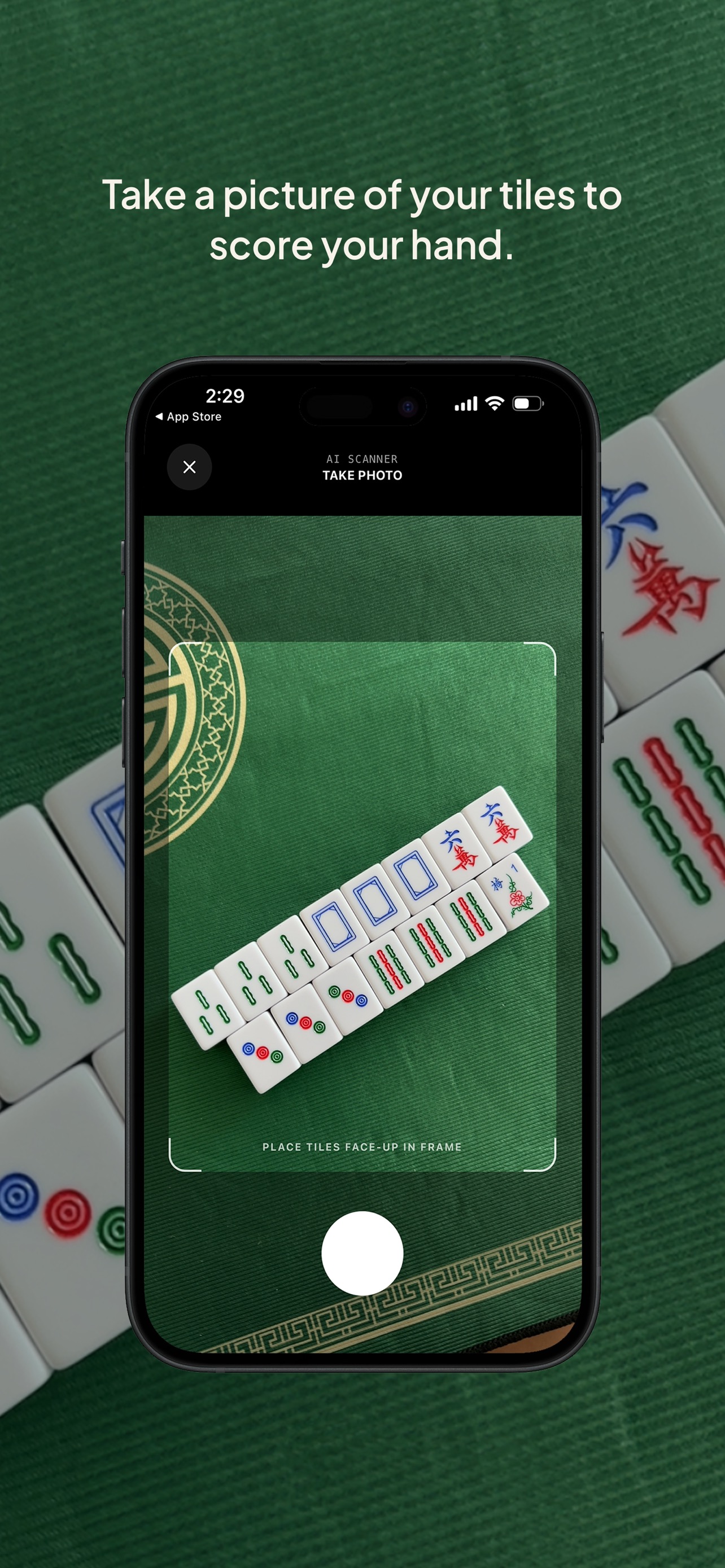
Always review the scanned tiles. AI can misread a tile now and then. If something's off, fix it in the tile picker before scoring — see Manual tile entry.
Scan limits
| Plan | Scans |
|---|---|
| Free | 4 per day |
| Premium | 50 per month |
Free scans are tracked per device — no account needed. To raise your limit, see Premium and billing.
At a Club Pro event, guests scoring at the event can get unlimited scans.
Training consent
The first time you scan, TileBuddy asks whether it may keep your scan photos to help improve the AI. This is completely optional (opt-in), and you can change your choice any time in Settings.
When the scanner isn't the right tool
If the AI isn't available, or you simply prefer tapping, you can always build the hand by hand. See Manual tile entry.
Related pages
- Manual tile entry — tap tiles in and fix scans.
- Recording a win — the full win flow.
- Premium and billing — more scans per month.