Settings
Settings is where you tune TileBuddy to match how your table plays. Set it once and every score follows your house rules. You reach it when you set up a game, or from the settings icon during one; the deeper rules sit under Show Advanced.
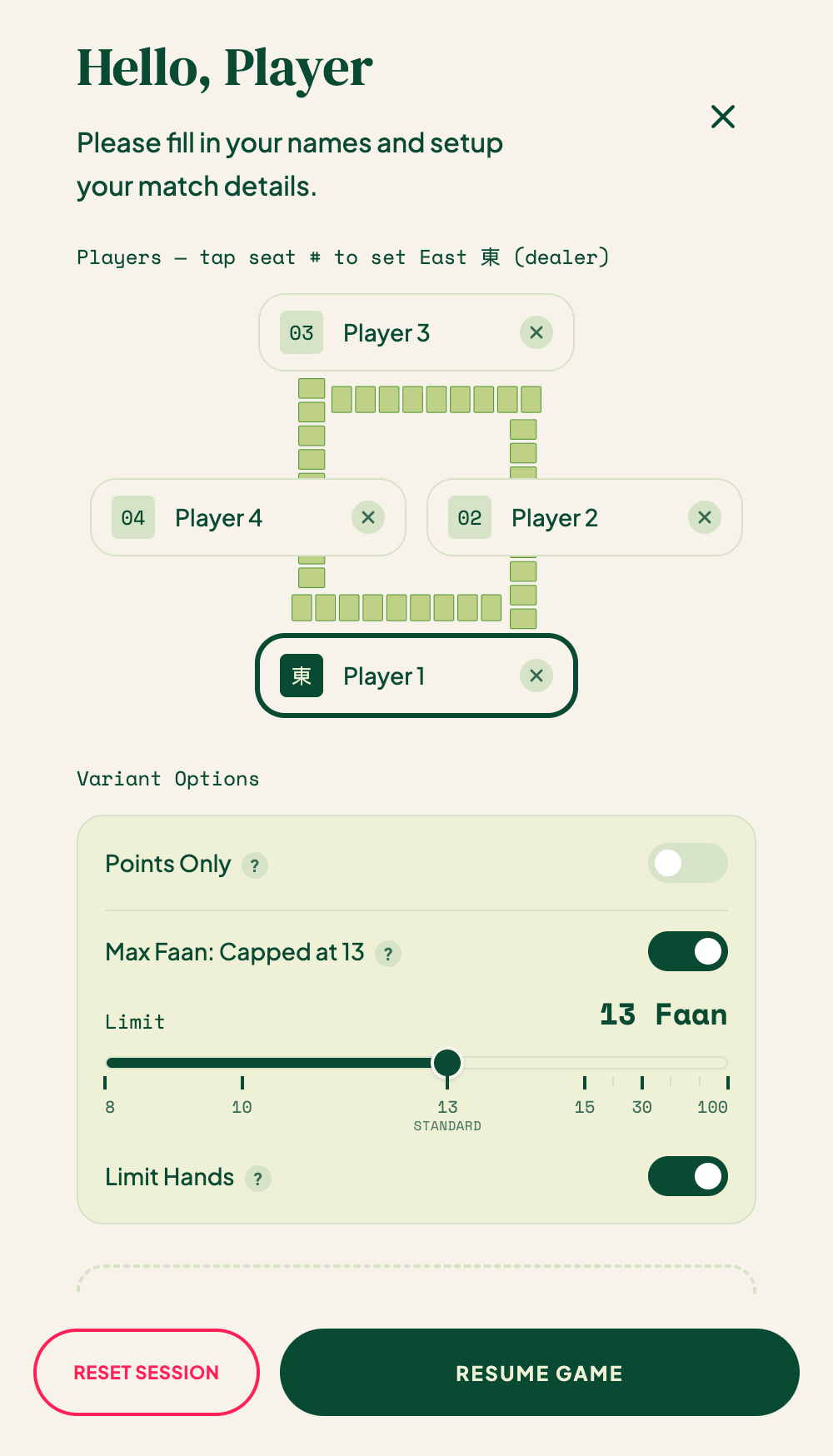
Main settings
| Setting | What it does |
|---|---|
| Player names | Name the four seats. |
| Stakes | The value of one unit — from about $0.01 up to $10 — or plain points. |
| Faan table | How faan converts to units. Choose a preset (an exponential "full" table like 1-2-4-8-16…, or a "half" table) or set a custom value per faan. |
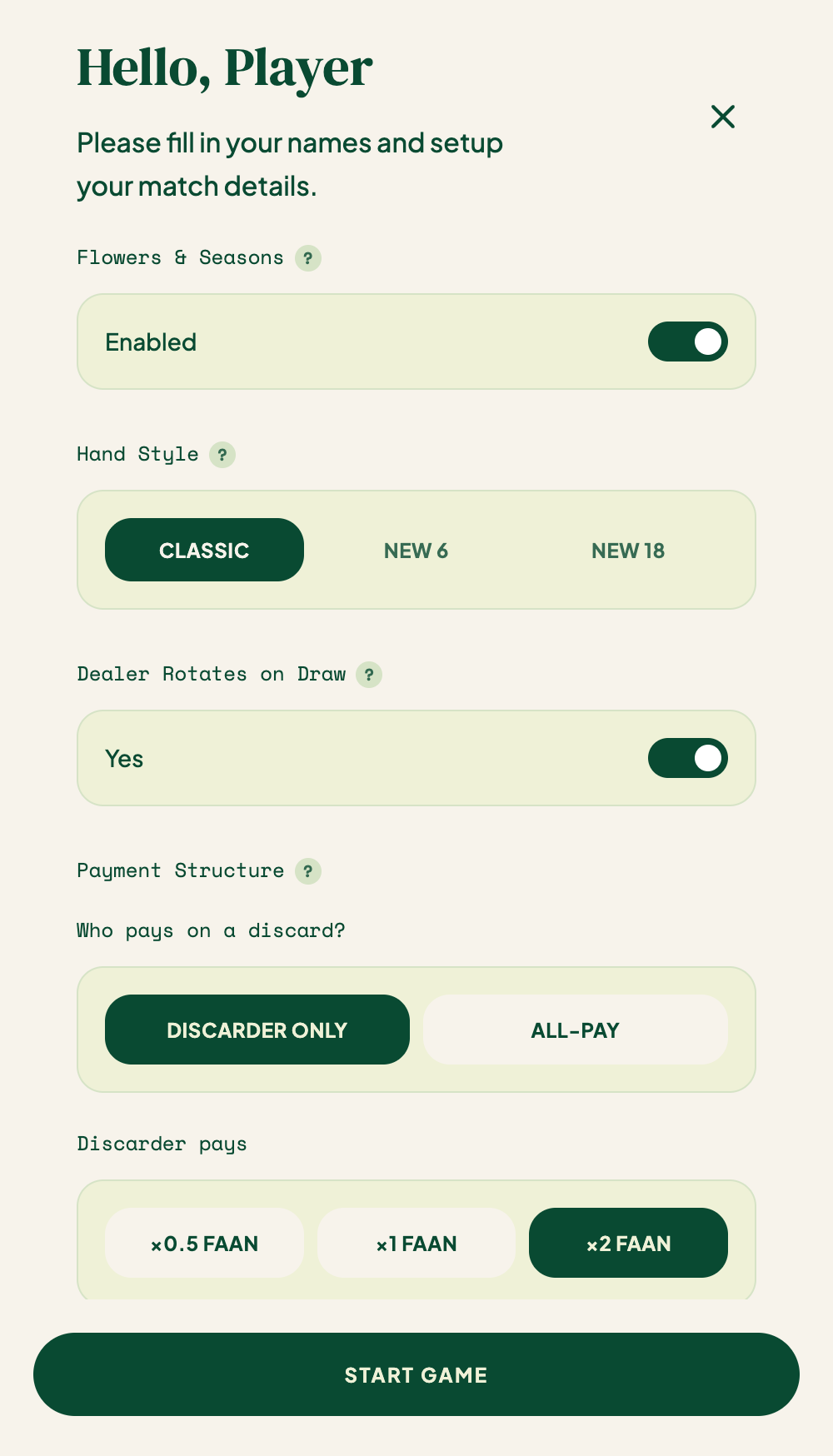
| Payment structure | Who pays on a discard: Discarder only (the deal-in player pays the full amount) or All-pay (everyone pays; the discarder pays a larger share). For each mode you also set the multiplier — ×0.5, ×1, or ×2 faan. Self-pick has its own per-player multiplier: ×0.5, ×1, or ×2 faan each. |
| Maximum faan (limit) cap | Cap scoring at a maximum faan — slider runs from 8 to 100, with 13 labeled "Standard". |
| Limit Hands | House rule: traditional limit hands (All Honors, Big Four Winds, etc.) score exactly the max faan, with no add-ons or flower bonuses. |
| Self-Pick Cap | How the faan cap interacts with the self-pick +1. Soft Cap (recommended): the cap applies to the hand only; self-pick always adds on top. Hard Cap: self-pick counts toward the cap. |
| Dealer rotation on draw | Toggle: whether the dealer rotates after a drawn hand. Non-dealer wins always rotate the dealer. |
| Hand style | Classic, New 6, or New 18. |
| Currency / Points-Only | Track scores in real currency (multiplied by your base unit), or plain points. |
| Flowers and seasons | Turn them on or off. |
| Scan training consent | Choose whether TileBuddy may keep your scan photos to improve the AI. |
| Onboarding walkthrough | Replay the intro tour any time. |
A few tips
tip
Your faan table and payment structure drive all the payout math. If a score ever looks off, these two settings are the first place to check.
note
The hand style you pick here is the same one the Faan Wiki uses to decide which hands to show.
Related pages
- Recording a win — where these rules are applied.
- Faan Wiki — browse hands for your chosen style.
- Score tracker — see balances in your chosen stakes.