Host Console
The host console is the live dashboard you run your game night from. It updates in real time as players check in and hands are recorded, so what you see always matches what's happening in the room.
Console header
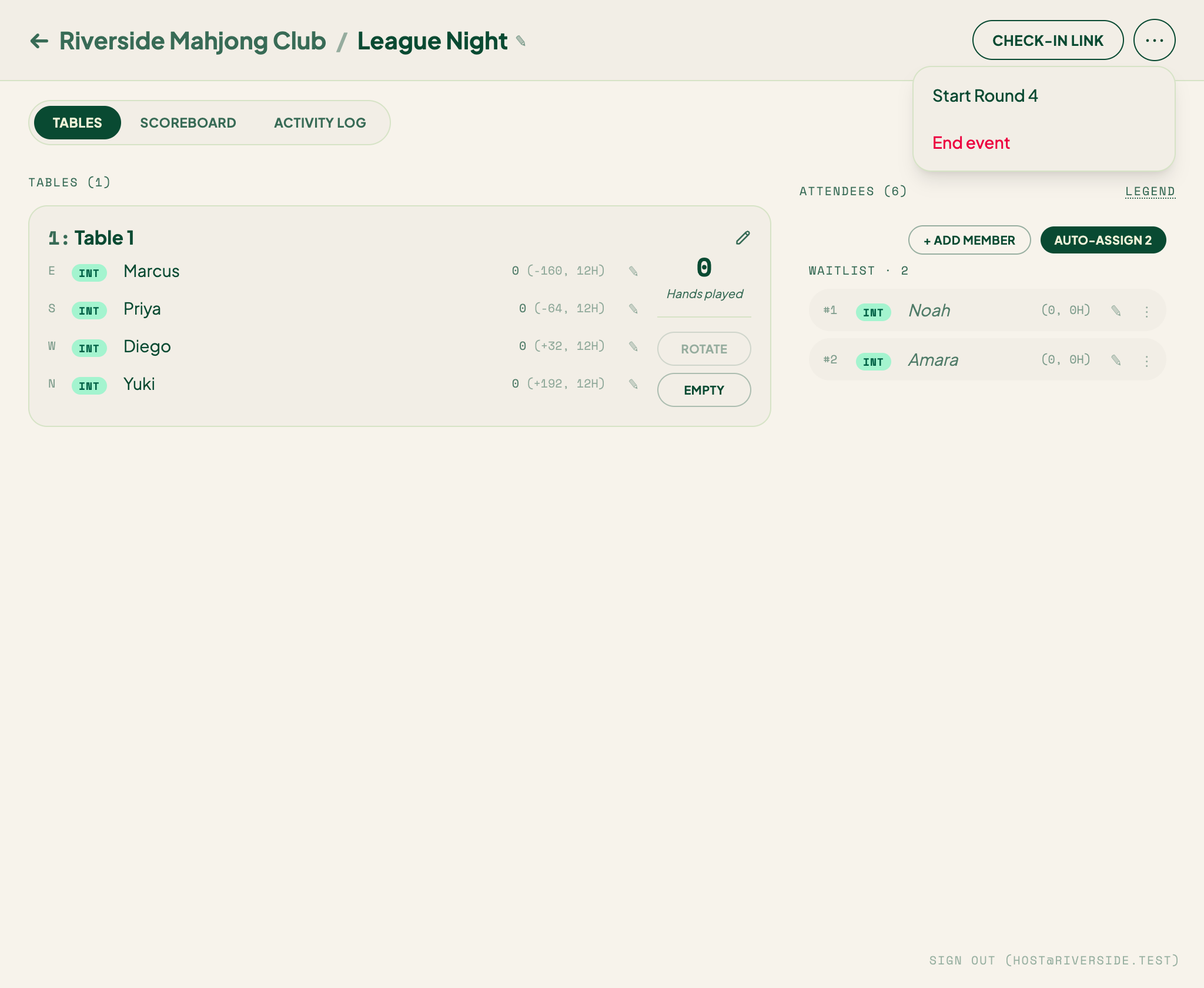
The header shows the event name, share code, and a Check-in link button. The ⋯ menu next to it holds less-frequent actions so the header stays uncluttered:
- Share guest host — copy the co-host link for a helper.
- Announce — send a broadcast to all checked-in players (shown when at least one player has opted in to email).
- Start Round N — begin a new tournament round; scores reset and every table restarts. See Rounds.
- End event — close the event and generate the recap.
Controls
Just below the header sits a row of live controls:
- Auto-seat — on, new check-ins drop straight into open seats; off, they wait on the waitlist.
- Auto-rotate — on, tables rotate automatically when they're due. See Table rotation.
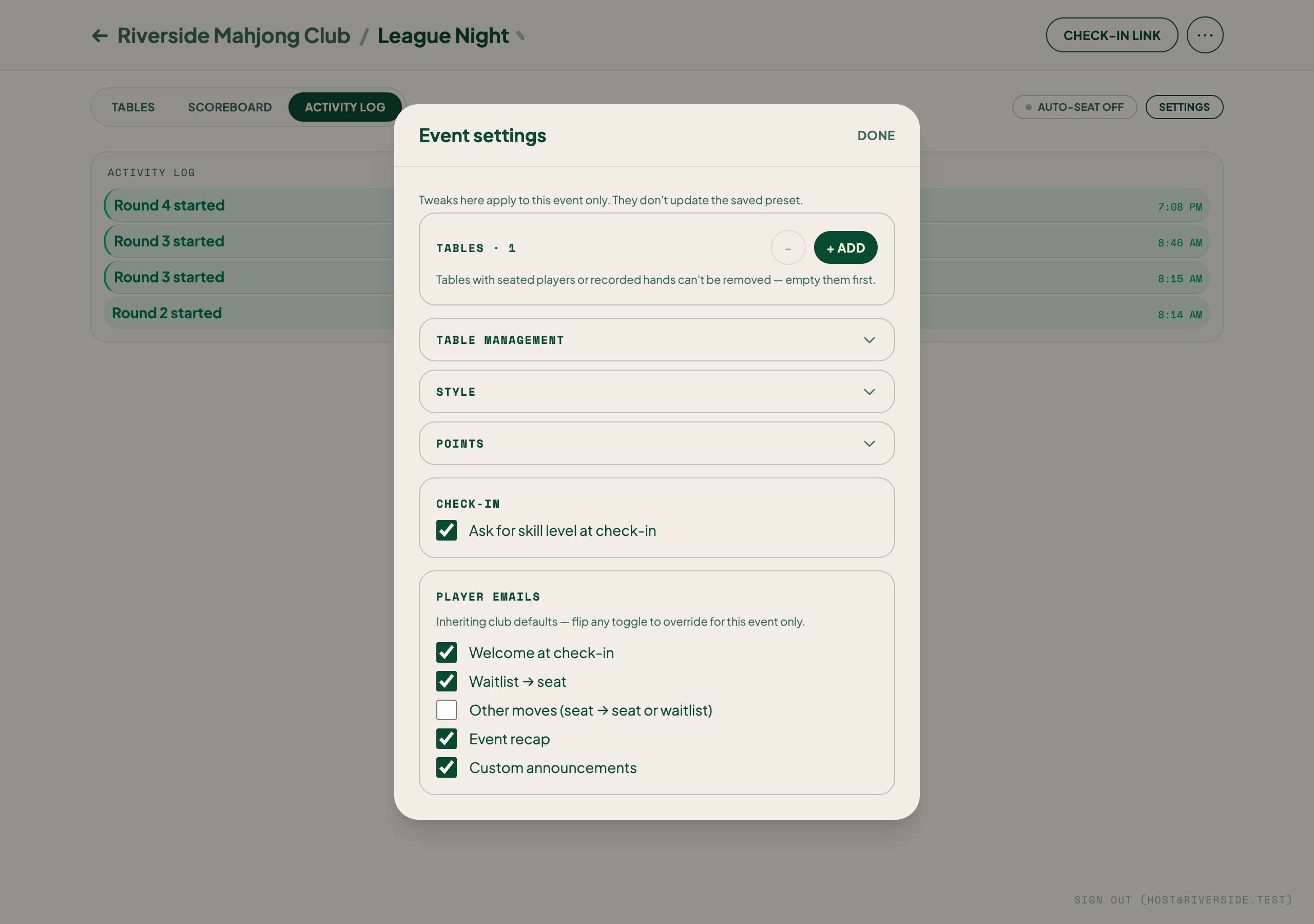
- Settings — opens the Event settings panel to view or change the event's rules (see below).
The three tabs
The console body is organized into three tabs.
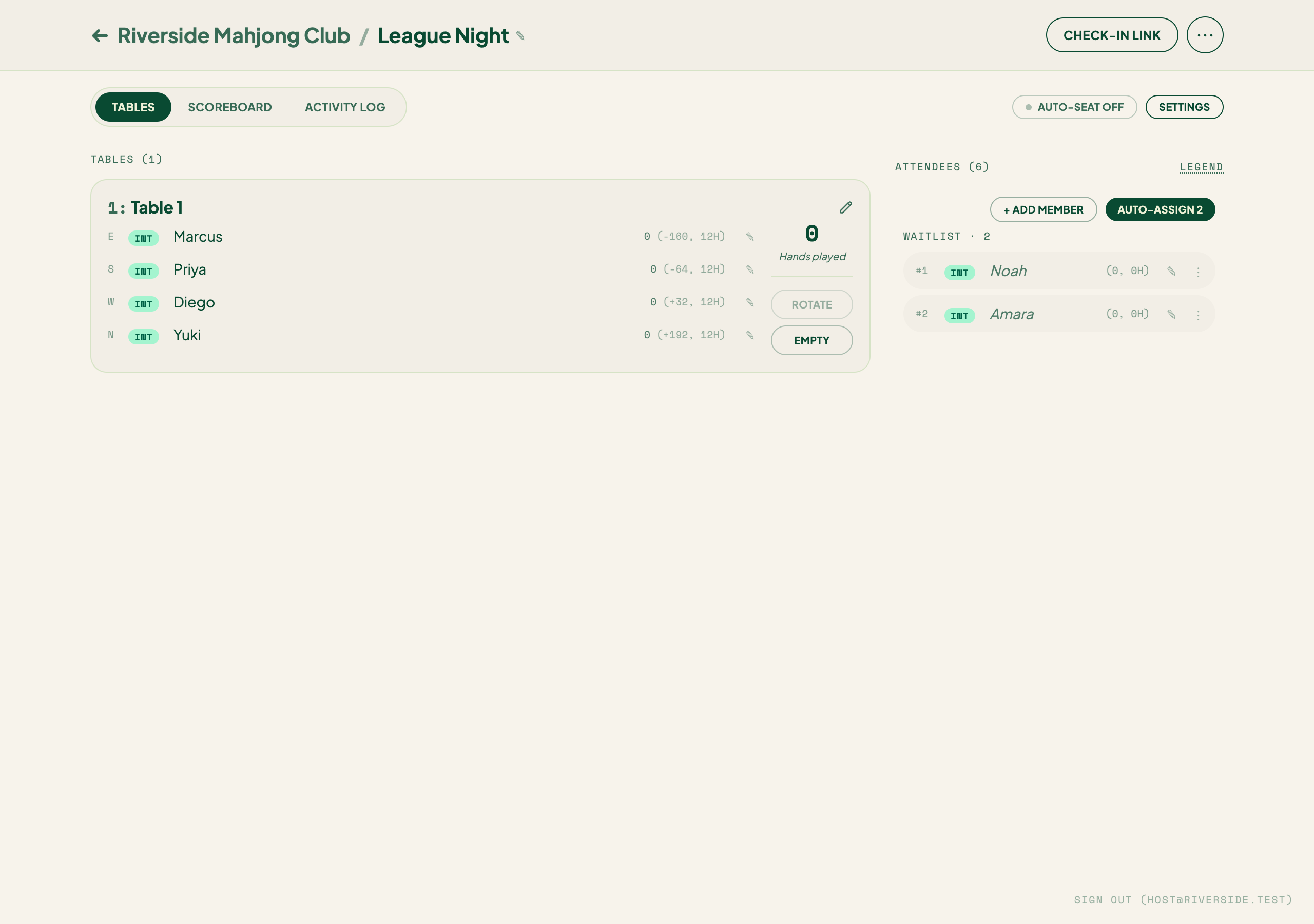
Tables
Your tables and the waitlist. Each table card shows the four seats and their winds, who's sitting where, how many hands that table has played, and a rotation due flag when it's time to move players. The waitlist — players who've checked in but aren't seated yet — sits alongside the cards (a right-hand column on a wide screen). Drag a player from the waitlist into an open seat. See Seating and the waitlist, Table rotation, and Manual seat operations.
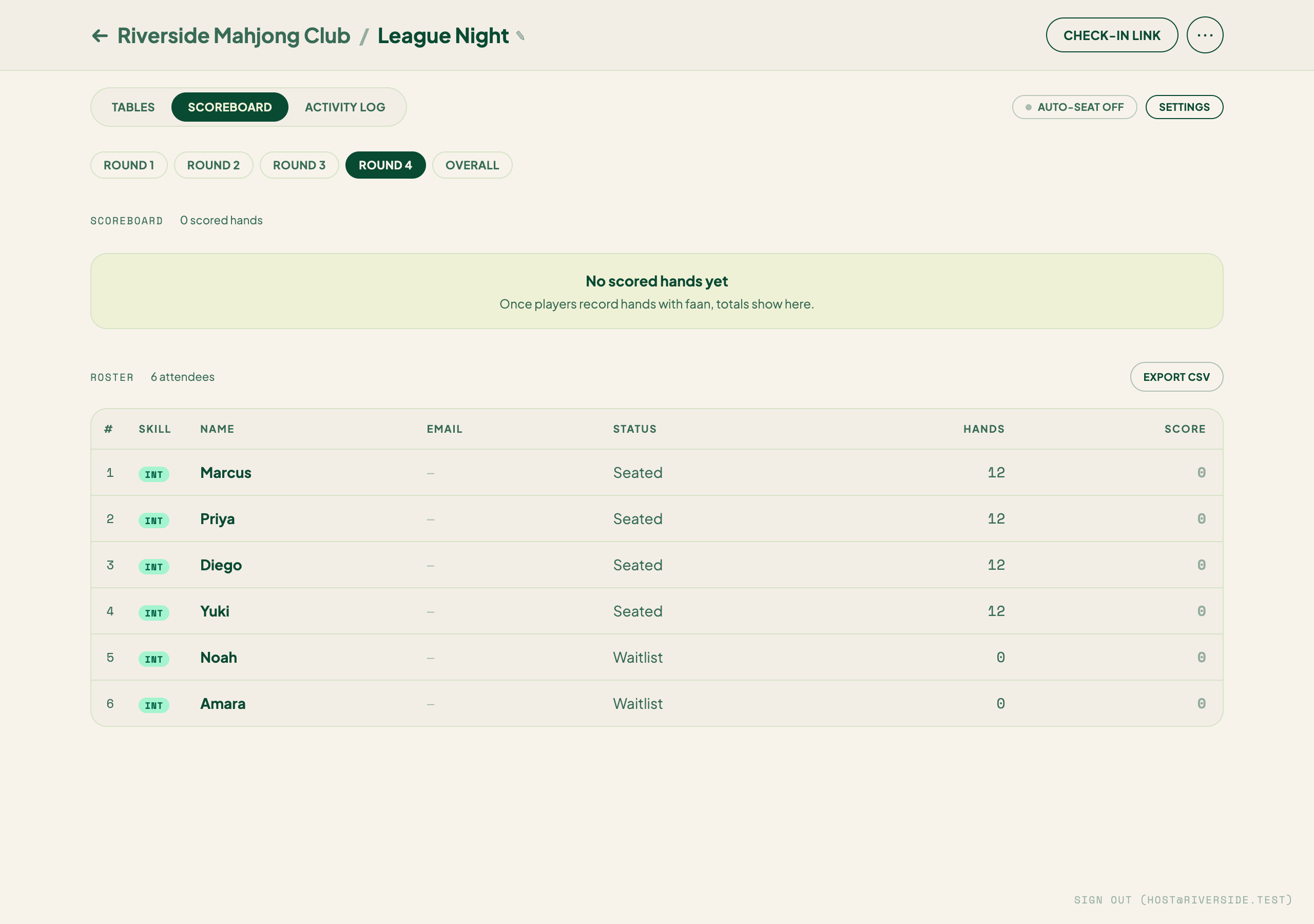
Scoreboard
Live standings, plus the recent hands below them. When more than one round is in play, filter pills let you view Round 1, Round 2, or Overall. A hand you've corrected shows an edited badge; to fix a result, see Corrections.
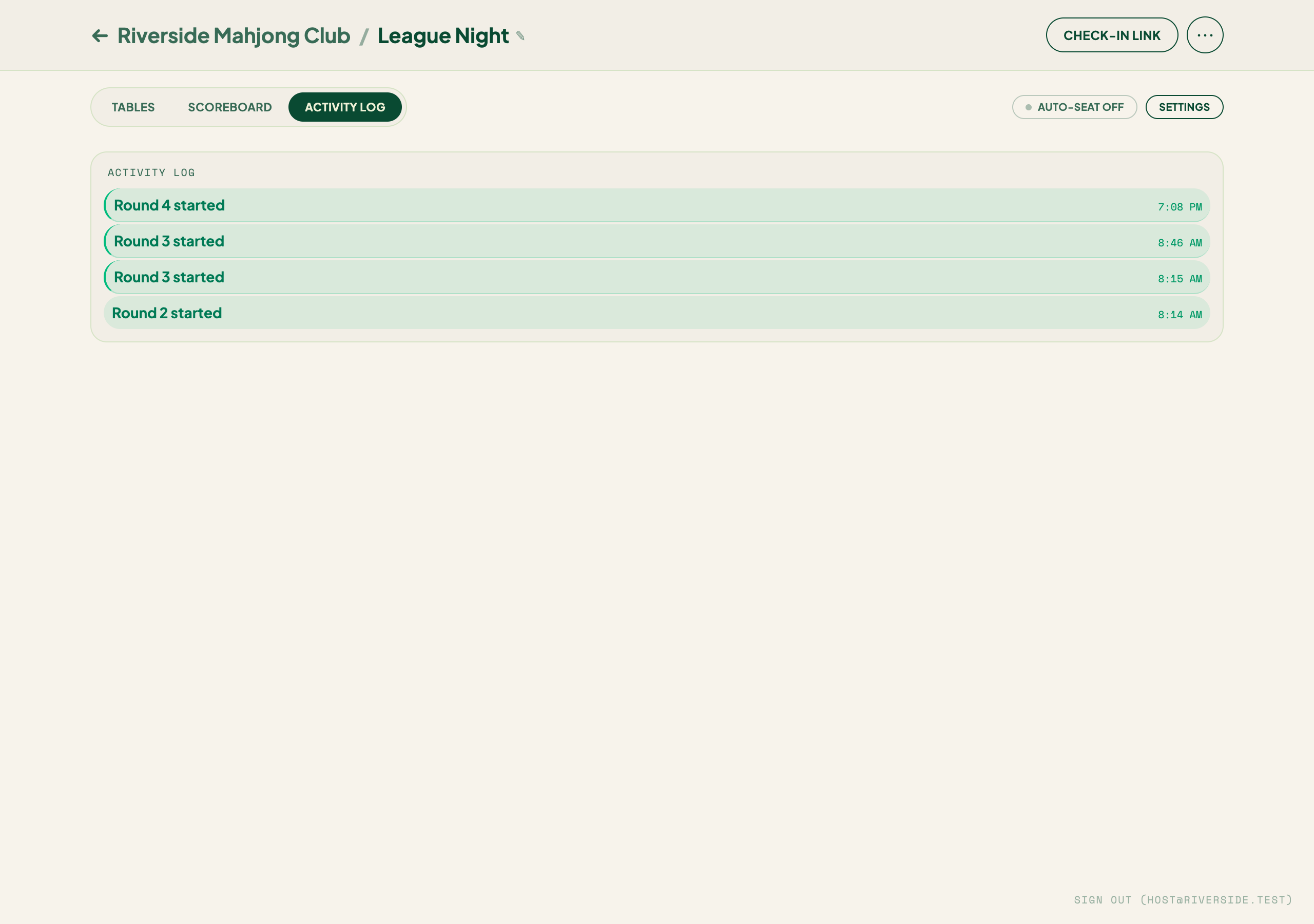
Activity
A running list of check-ins, seatings, benches, rotations, and swaps — your record of the night if anyone asks what happened and when.
Event settings
The Settings control opens the Event settings panel, where you view or change the event's rules on the fly, or apply a preset to reset them all at once.
Announce
Announce (in the ⋯ menu) sends a message to everyone attending, such as "last hand in 10 minutes." It opens as its own panel.
Broadcasts are capped at three per day, so save them for messages that matter.
Helping run someone else's event
When you're helping run an event you don't own, a co-host badge appears in the console. It's a reminder that you're assisting, not the owner. See Co-hosts.
Keep the console open on a tablet at your host table. Because it updates live, you'll always see the current state of every table at a glance.