TileBuddy Club
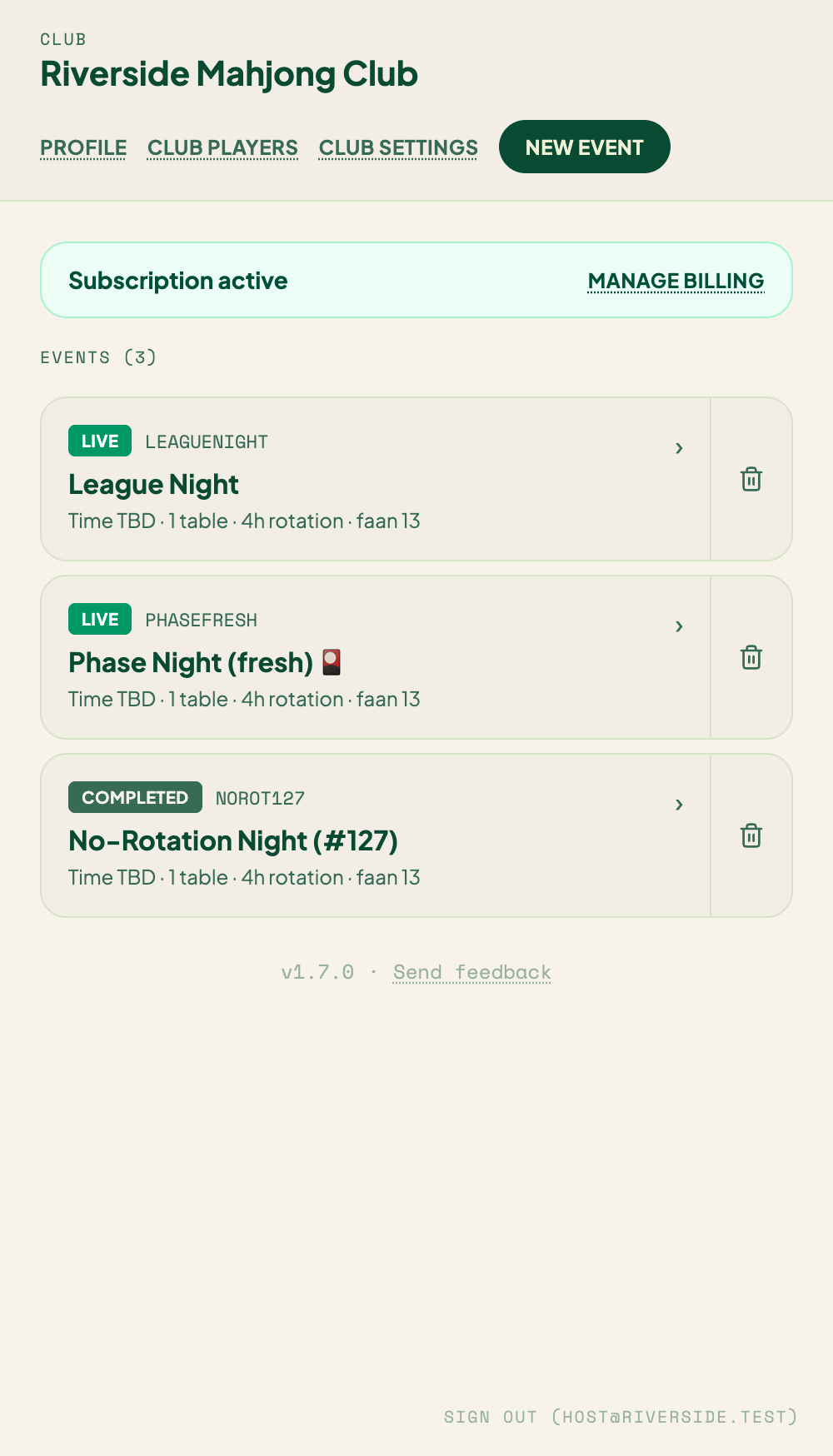
TileBuddy Club is for hosts running a game night across several tables. Instead of one scorecard, you get a live console: players check themselves in, you seat them, tables rotate between rounds, scores flow in as hands are played, and everyone gets a shareable recap at the end.
If you're a player who was sent a link, jump to Checking In — you don't need to read the host pages.
How it's organized
TileBuddy Club nests like this:
Club → Event → Tables → Players → Hands
- Club — your account and house identity. You create it once. Billing lives here.
- Event — one game night. It has its own rules, a check-in code, and a set of tables.
- Tables — seat groups (usually 4 seats: East / South / West / North).
- Players — everyone who checked in, whether seated or on the waitlist.
- Hands — each round's result, recorded at the table it was played on.
For players
| Page | What it covers |
|---|---|
| Checking In | Joining an event, your name and skill level, friend groups, notifications. |
| Recording Hands | Logging a win at your table. |
| Event Recap | Seeing the leaderboard and your stats after the night. |
For hosts
| Page | What it covers |
|---|---|
| Creating an Event | Setting up a night, share codes, tables. |
| Rule Presets | Saving house rules to reuse. |
| Host Console | The live dashboard you run the night from. |
| Seating & Waitlist | Auto-assign, friend groups, skill restrictions. |
| Table Rotation | The rotation strategies and when tables move. |
| Manual Seat Operations | Swaps, moves, benching, reordering the waitlist. |
| Co-hosts | Sharing organizer access with a helper. |
| Member Roster | A persistent list of your regulars. |
| Corrections | Fixing or removing a mis-recorded hand. |
| Ending an Event | Closing the night and sending recaps. |
| Club Settings | Email preferences, branding, and subscription. |
Free vs Pro
A free club can run one event to try it out. Club Pro unlocks unlimited events plus the fuller feature set. Details on the Club Settings page.