Checking In to an Event
Joining a club game night is quick. Your host does the setup — you just check in and start playing.
Get to the check-in page
Your host will give you an event link or a short code. Open the link (or enter the code) to reach the event's check-in page. That's it — you don't need to hunt for anything.
You don't necessarily need the app or an account to check in. A link is enough. Open it in your phone's browser and you're on your way.
Check in
- Open the event link or enter the code.
- Enter your name.
- If the host asks for a skill level at check-in, pick one — it's required before you can join.
- Tap to check in.
If your club keeps a member roster, you might simply tap your name from a list instead of typing it.
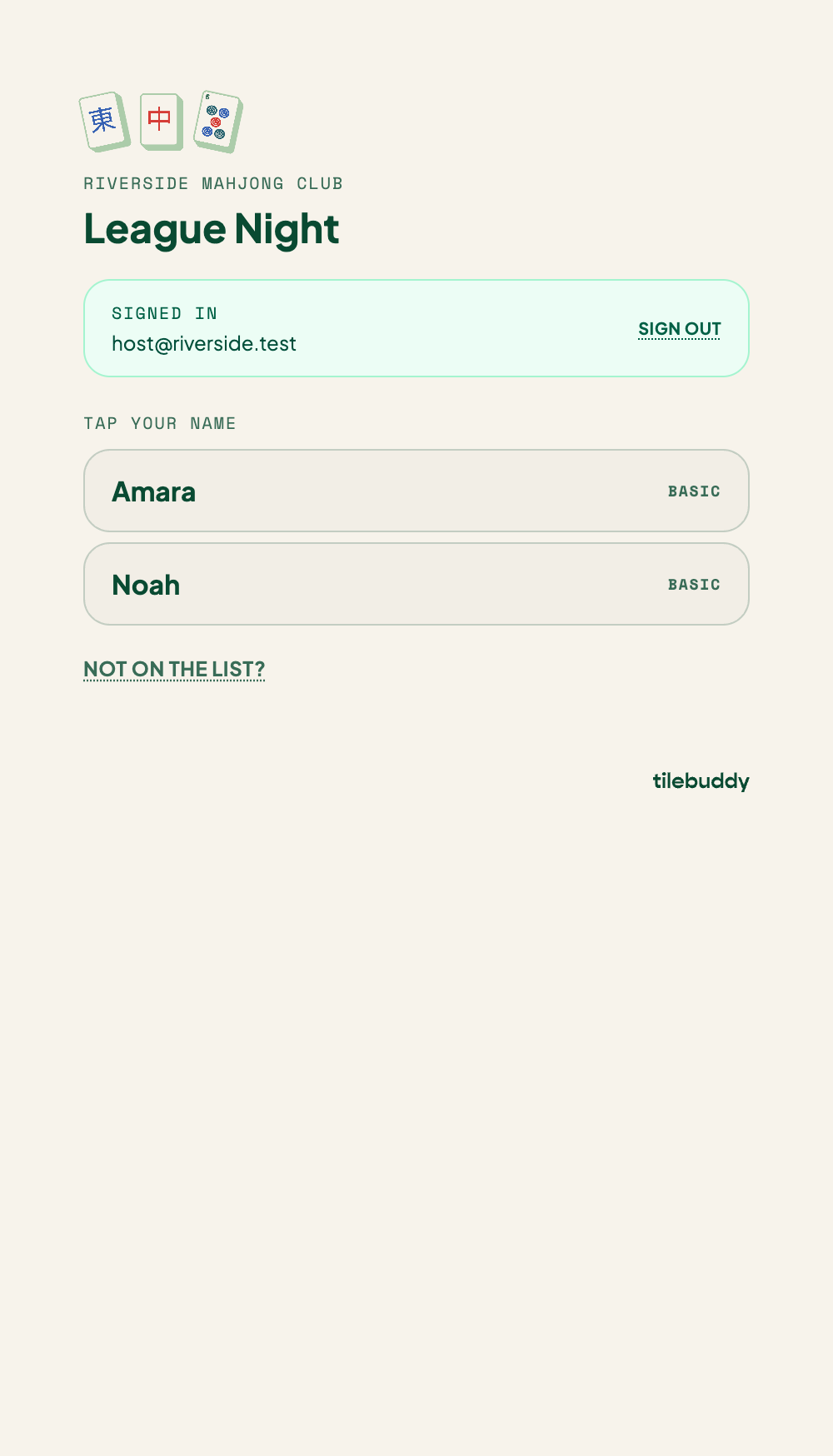
Adding your email
Email is optional. If you add it, you can be notified when you're seated and receive the recap after the event. You choose whether to opt into notifications — leave it blank if you'd rather not.
What happens next
After you check in, one of two things happens:
- You're seated right away at a table, or
- You're placed on the waitlist and seated when a spot opens.
Which one depends on how the host set up the event. Either way, you're in — sit tight and watch for your table.
Once you're playing
- Learn how to log results at your table in Recording Hands.
- After the night wraps up, see your stats in the Event Recap.